You know what to say. Blueprint writes the message in your voice, sends it to the address on file, and cc's you. For one client or your whole caseload.



Ask Blueprint to remind a client about their homework, share a worksheet, or recap the plan you made together. With your notes behind it, the message reflects what you worked on.
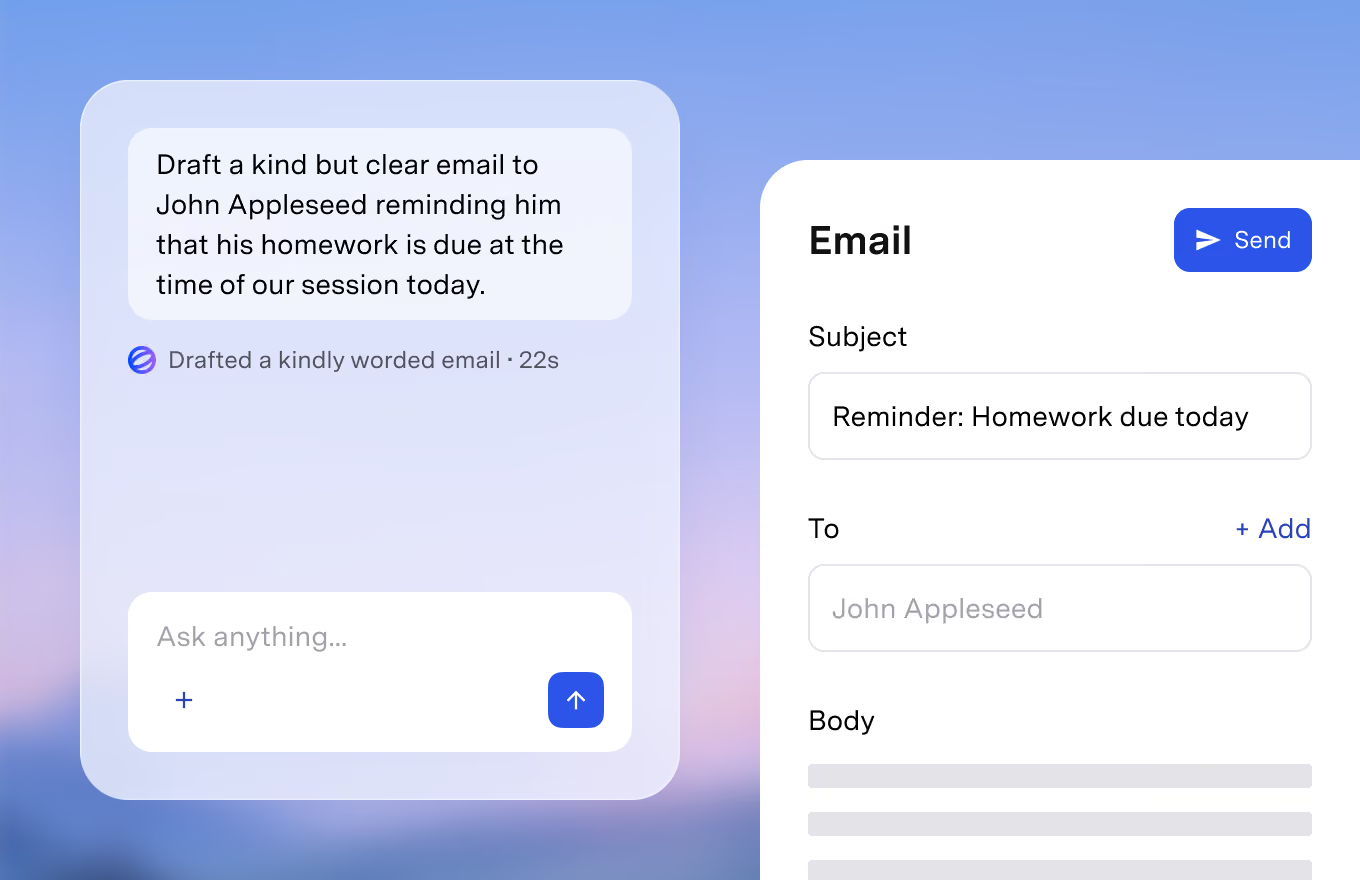
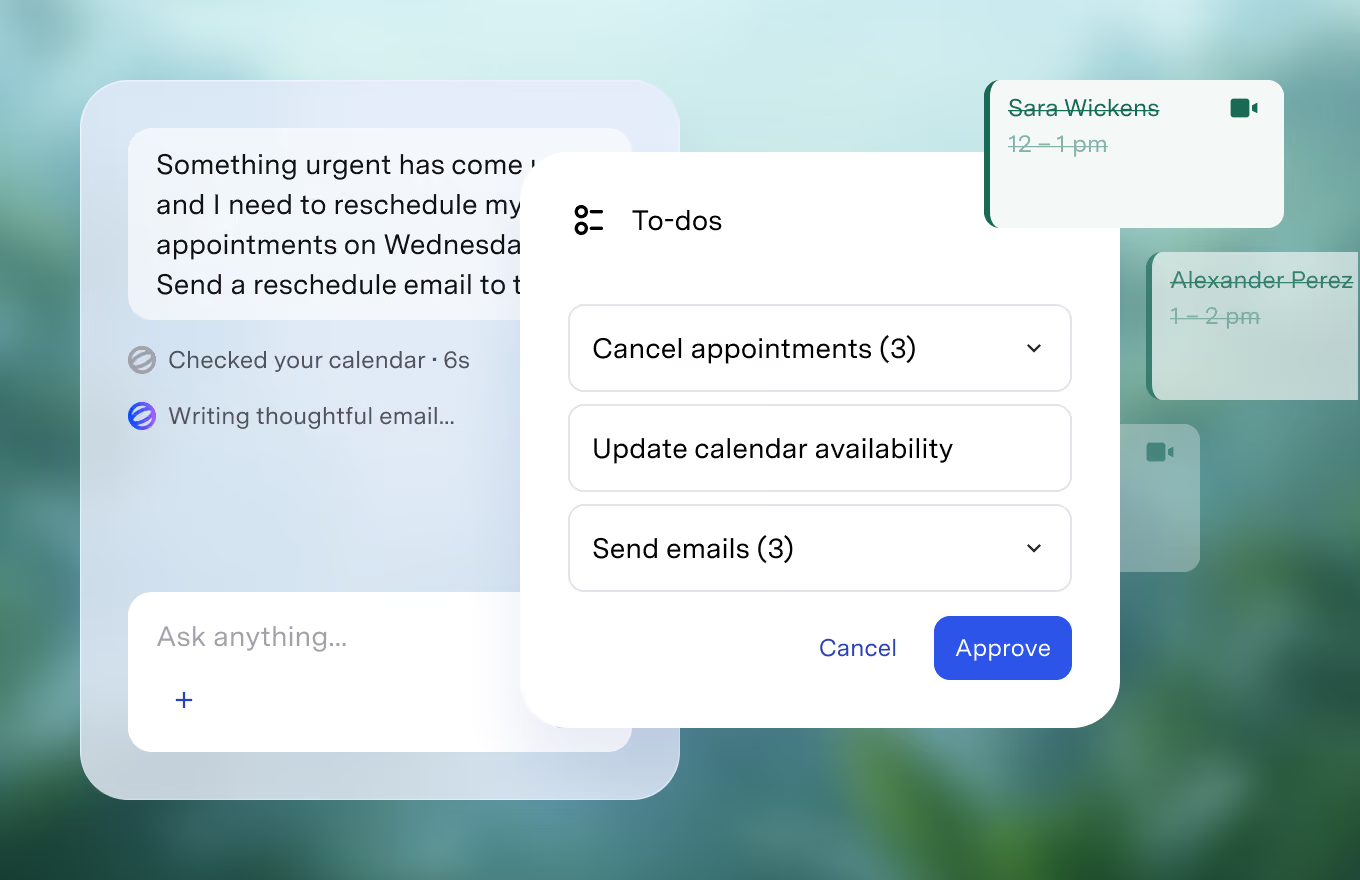
Announce time off, a schedule change, or a fee update once, and Blueprint sends it to everyone who needs it. Each client gets their own individually addressed email.
The check-in after a long break. The referral letter. The explanation you want in plain language before you walk a client through it. Ask Blueprint for a draft, edit right in chat, then send.
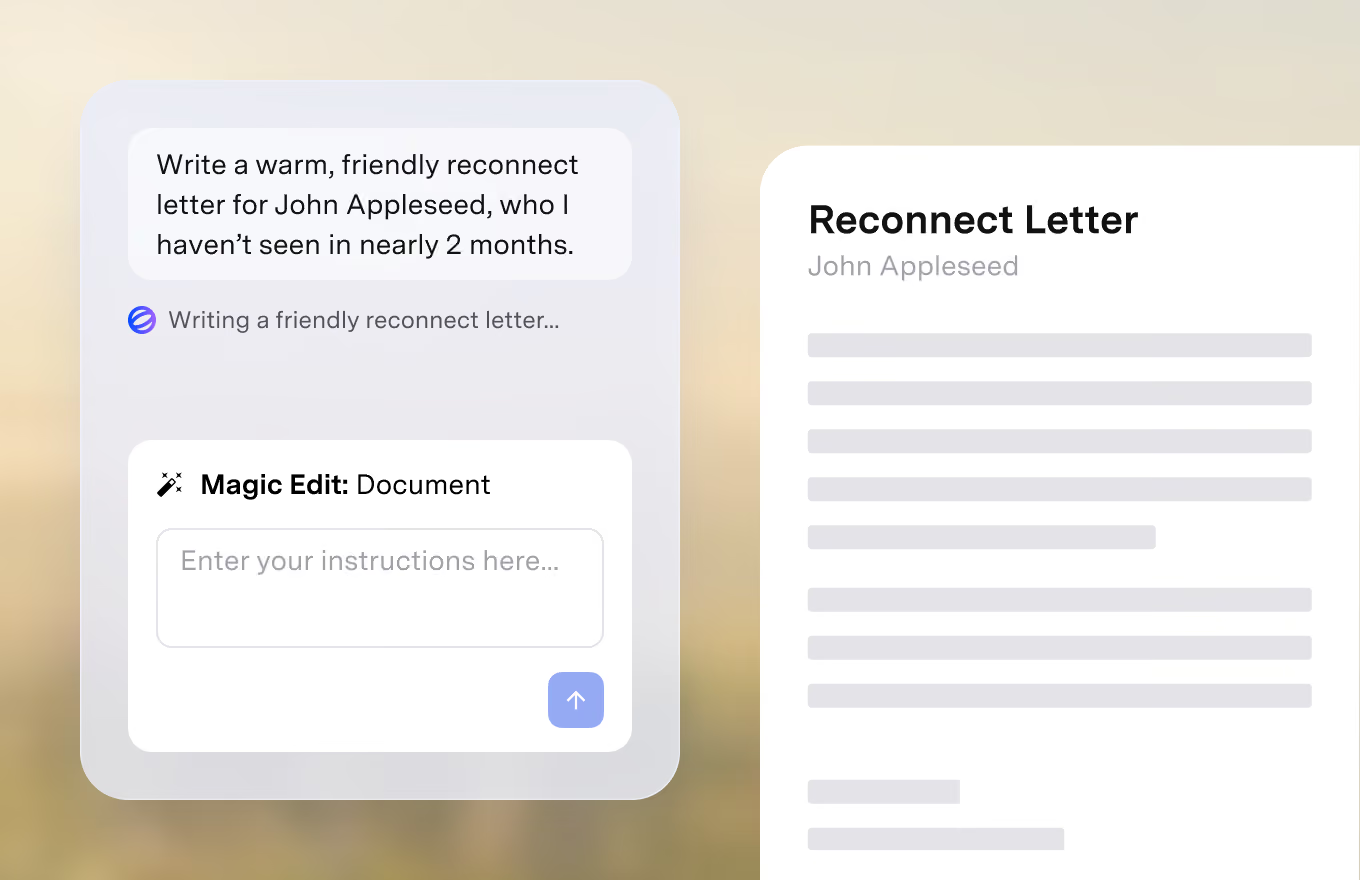
One request covers both writing and sending. Edit any draft before it goes out.
Writing and sending work the same in both. The difference is what Blueprint already knows when you ask.
Keep your current EHR. Tell Blueprint who the message is for and what it should cover. With your notes behind it, that's often just a one sentence request.


Your schedule and caseload live in Blueprint too. If you need to cancel a session, it already knows who you’re scheduled with. Ask it to reschedule or send a self-scheduling link, and it's done. Ask who hasn't been in for a few weeks and follow up in the same conversation.
HIPAA, PHIPA, and SOC 2 compliant. Client data is stored securely and handled according to healthcare privacy and security requirements.
Privacy & Security“Nobody's perfect, but you're dang close.”

“It has revolutionized the way I practice.”

“Going from session is over to note is done, next appt is on the calendar, and insurance claim has been submitted in under a minute is pretty darn awesome.”

“Such a time saver. It is really life-changing for me as a therapist. It helps me to stay out of my head during sessions and I spend very little time writing notes. It's helped me to be a better therapist.”

“The ability to seamlessly convert audio recordings into accurate and detailed clinical notes has saved me hours of administrative work every week.”

“Blueprint has changed how much time I spend documenting and ultimately the amount of quality time I spend with my client.”

"Blueprint has been a game-changer, saving me significant time and lifting the burden of staying caught up on notes, which once overshadowed precious family moments."

"Blueprint has transformed my counseling practice by saving me significant time on notes and allowing me to focus on my clients and spend more quality time with my family."

"Blueprint is SO accurate and has saved me a couple of hours of work per day. I can now see more patients and spend less time doing documentation."

“Nobody's perfect, but you're dang close.”
“It has revolutionized the way I practice.”
“Going from session is over to note is done, next appt is on the calendar, and insurance claim has been submitted in under a minute is pretty darn awesome.”
“Such a time saver. It is really life-changing for me as a therapist. It helps me to stay out of my head during sessions and I spend very little time writing notes. It's helped me to be a better therapist.”
“The ability to seamlessly convert audio recordings into accurate and detailed clinical notes has saved me hours of administrative work every week.”
“Blueprint has changed how much time I spend documenting and ultimately the amount of quality time I spend with my client.”
"Blueprint has been a game-changer, saving me significant time and lifting the burden of staying caught up on notes, which once overshadowed precious family moments."
"Blueprint has transformed my counseling practice by saving me significant time on notes and allowing me to focus on my clients and spend more quality time with my family."
"Blueprint is SO accurate and has saved me a couple of hours of work per day. I can now see more patients and spend less time doing documentation."


By email, to the address on file for each client. Replies go straight to your inbox, not to Blueprint.
Yes. Every message is a draft you can edit before it goes out, and you're cc'd on everything that sends.
Messages are written in your voice and tone. Tell Blueprint once how you like to sound, or just correct a draft and it adjusts.
Yes. One request can cover one client or your whole caseload, and every client receives their own individually addressed email.

Run your practice with AI support in every workflow, alongside your current EHR or inside Blueprint's all-in-one EHR.


