Blueprint explains EOBs and denials in plain language, drafts appeals and disputes, and helps with the billing work that piles up between sessions.


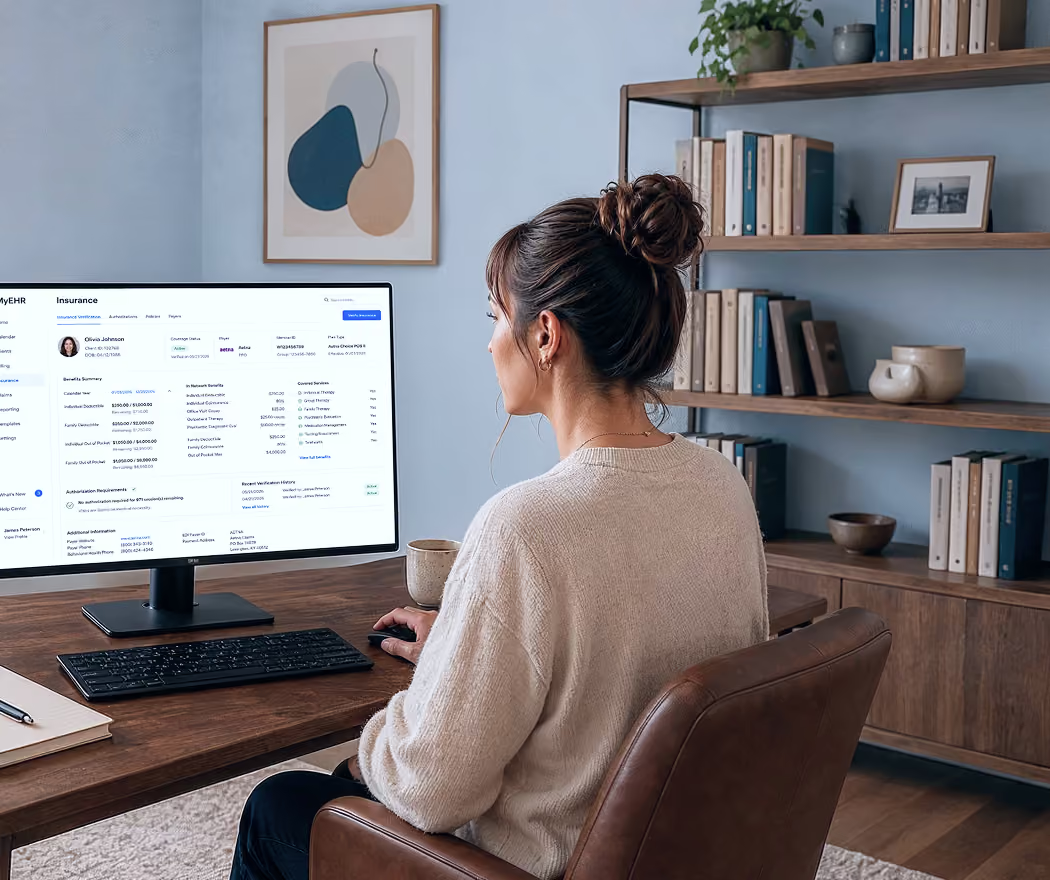
Paste a denial, an EOB, or a payment that doesn't look right, and ask Blueprint what it actually means: what was paid, what was adjusted, what the client owes, and the most likely reason something went wrong. You provide the paperwork; Blueprint does the deciphering.
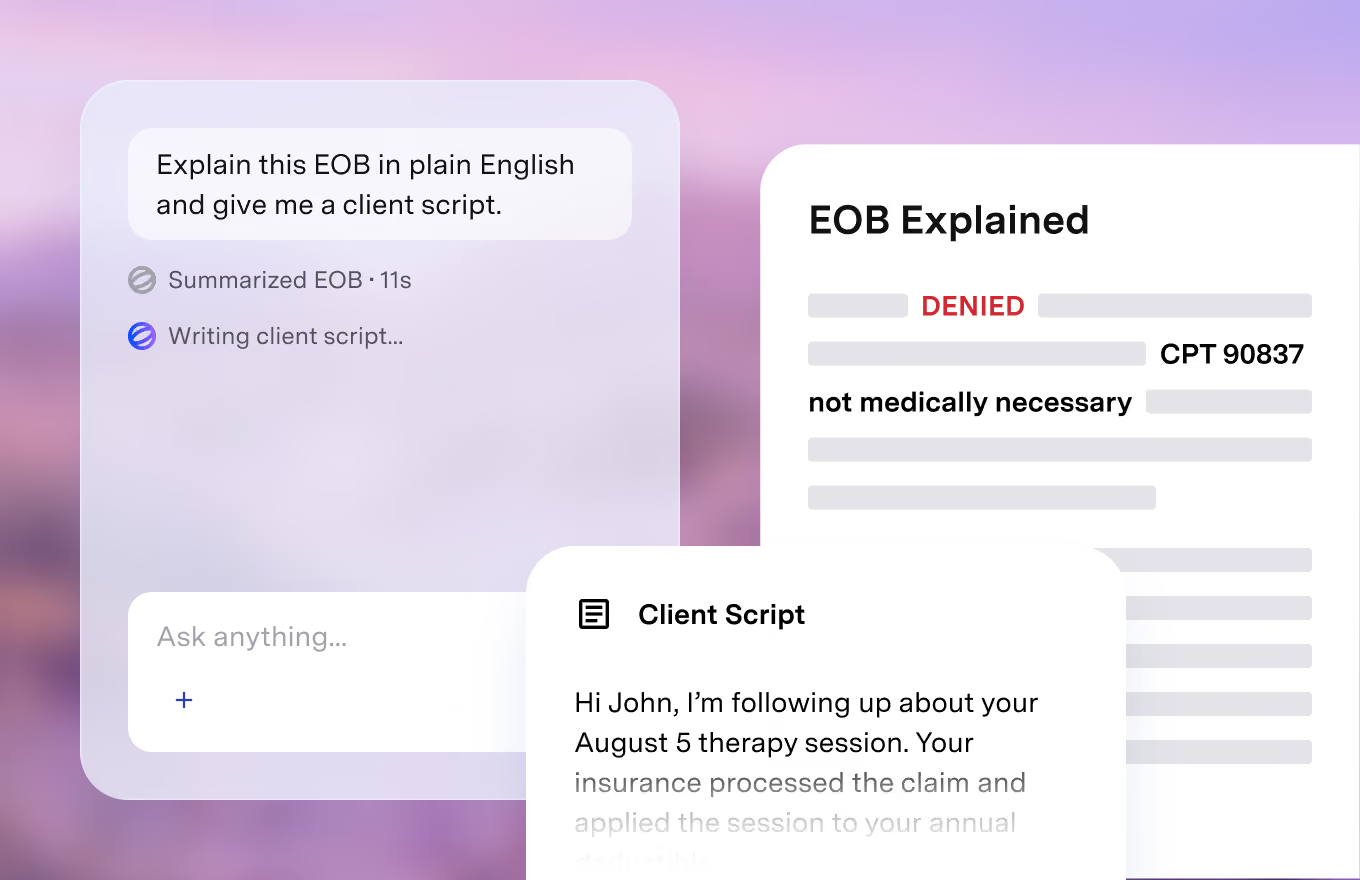
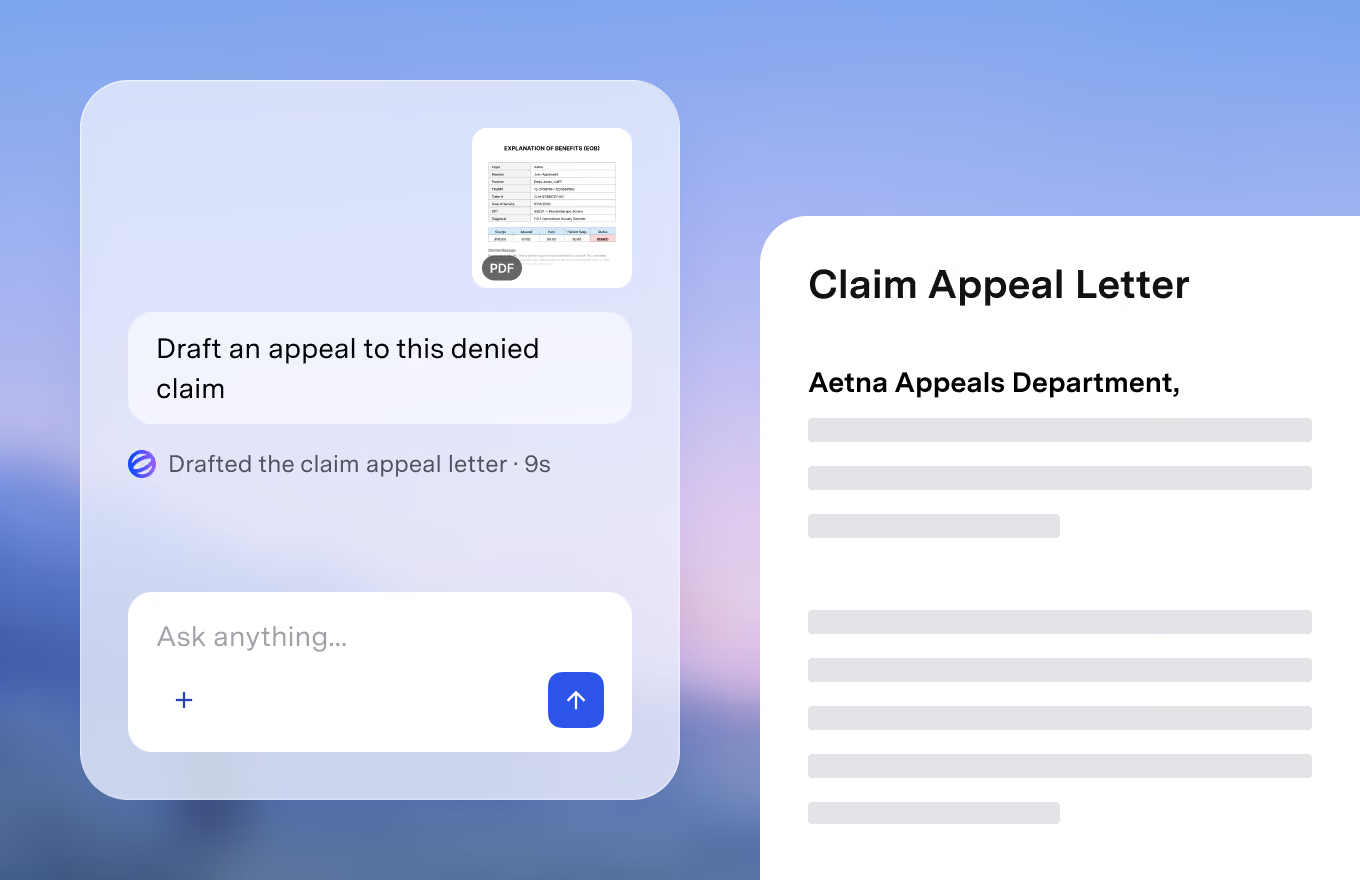
Ask Blueprint to draft the appeal, complete with an argument outline and a checklist of what to attach. Underpaid against your contracted rate? Get the dispute drafted. Facing a clawback or records request? Get a response plan. Every draft is built from your claim, your notes, and the denial itself, not from a template, ready for review before anything goes to a payer.
Check whether a note supports the code you plan to bill, before you bill it. Set up superbill templates, Good Faith Estimate language, and financial policies with consistent wording across your website, paperwork, and emails. That includes private-pay practices: superbills, out-of-network reimbursement help, and the wording for when someone asks whether you take insurance.
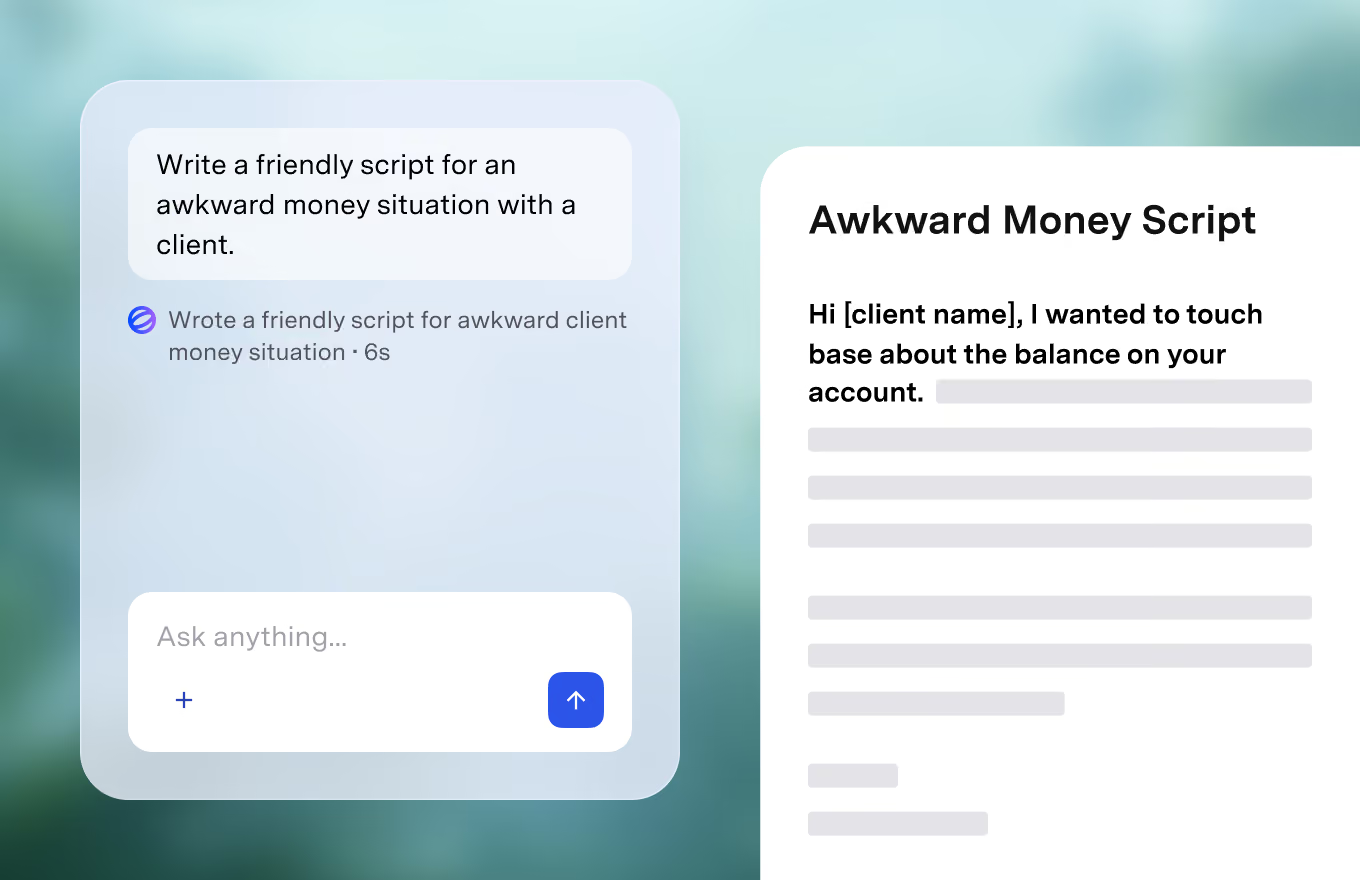
Real prompts from real billing situations. Paste what you're looking at and get an answer, a draft, or a plan.
Explaining, drafting, and checking work the same in both. The difference is where your billing runs.
Billing stays in your current system. Paste or upload the denial, the EOB, or the eligibility response, and Blueprint takes it from there.


Billing runs through Blueprint: eligibility, claims, payments, superbills and more. When a denial needs an appeal, your documentation is already there.
HIPAA, PHIPA, and SOC 2 compliant. Client data is stored securely and handled according to healthcare privacy and security requirements.
Privacy & Security“Nobody's perfect, but you're dang close.”

“It has revolutionized the way I practice.”

“Going from session is over to note is done, next appt is on the calendar, and insurance claim has been submitted in under a minute is pretty darn awesome.”

“Such a time saver. It is really life-changing for me as a therapist. It helps me to stay out of my head during sessions and I spend very little time writing notes. It's helped me to be a better therapist.”

“The ability to seamlessly convert audio recordings into accurate and detailed clinical notes has saved me hours of administrative work every week.”

“Blueprint has changed how much time I spend documenting and ultimately the amount of quality time I spend with my client.”

"Blueprint has been a game-changer, saving me significant time and lifting the burden of staying caught up on notes, which once overshadowed precious family moments."

"Blueprint has transformed my counseling practice by saving me significant time on notes and allowing me to focus on my clients and spend more quality time with my family."

"Blueprint is SO accurate and has saved me a couple of hours of work per day. I can now see more patients and spend less time doing documentation."

“Nobody's perfect, but you're dang close.”
“It has revolutionized the way I practice.”
“Going from session is over to note is done, next appt is on the calendar, and insurance claim has been submitted in under a minute is pretty darn awesome.”
“Such a time saver. It is really life-changing for me as a therapist. It helps me to stay out of my head during sessions and I spend very little time writing notes. It's helped me to be a better therapist.”
“The ability to seamlessly convert audio recordings into accurate and detailed clinical notes has saved me hours of administrative work every week.”
“Blueprint has changed how much time I spend documenting and ultimately the amount of quality time I spend with my client.”
"Blueprint has been a game-changer, saving me significant time and lifting the burden of staying caught up on notes, which once overshadowed precious family moments."
"Blueprint has transformed my counseling practice by saving me significant time on notes and allowing me to focus on my clients and spend more quality time with my family."
"Blueprint is SO accurate and has saved me a couple of hours of work per day. I can now see more patients and spend less time doing documentation."


Blueprint is pay-per-session with no subscription or monthly minimum, and credits never expire. You can start for free with no credit card required. See pricing here blueprint.ai/pricing.
In the All-in-one EHR, yes: claims go out electronically and payments are tracked automatically. Alongside your EHR, Blueprint explains, drafts, and checks; you submit through your existing system.
In the All-in-one EHR, yes: run the check from the client's record and it verifies active coverage and benefits for the date of service. Once it's on file, ask Blueprint what it means for the client's cost. With Alongside your EHR, paste the eligibility response you have and Blueprint will interpret it.
No. Blueprint explains payer language, flags documentation gaps and denial risks, and drafts the documents you need. It doesn't determine billing compliance or guarantee payment, and you review everything before it's used.
Yes. Blueprint helps you answer your biller's questions faster, understand what they send you, and handle the pieces that stay on your plate, like notes that support the codes you bill.

Run your practice with AI support in every workflow, alongside your current EHR or inside Blueprint's all-in-one EHR.


